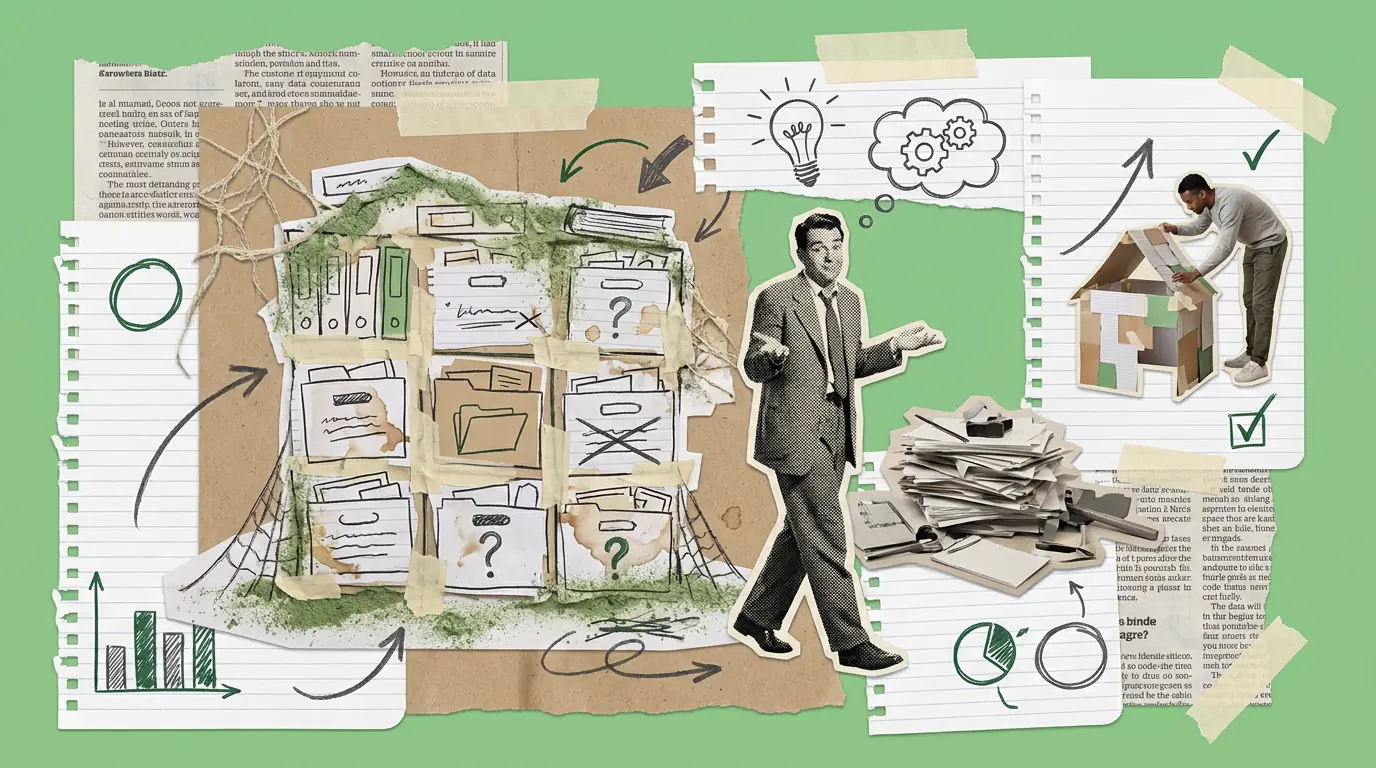
Most CS teams have a knowledge base. Notion, Confluence, a shared Google Drive folder, a section of the internal wiki, some place where the information is supposed to live.
Most of those knowledge bases are, by year two, effectively unused.
The CSMs know they're supposed to check it. They don't. They ask a colleague instead, or they trust their memory, or they make it up and hope for the best. The knowledge base becomes the place where good intentions go to stop being consulted.
This is frustrating because the information problem it was supposed to solve is real. But the solution failed, not because the team is lazy, but because most CS knowledge bases are built backwards.
What most CS knowledge bases actually contain
If you open a typical CS team's internal wiki, you usually find some combination of:
- A product knowledge section that mirrors (or trails) what's in the help centre
- A folder of old QBR templates and onboarding decks
- A "process" section with a handful of SOP documents, most of which are six months out of date
- Some competitive intel that was accurate in 2023
- A Notion page titled "Escalation Process" that has a comment from someone asking if this is the right version
This isn't knowledge. It's documentation, which is a different thing.
Documentation records what happened or what's supposed to happen. Knowledge is the answer to the question a CSM is actually asking at 3pm on a Wednesday when they're preparing for a difficult renewal call.
The question a knowledge base needs to answer
Here's the test: when a CSM is preparing for a specific situation (a customer who is at risk, a renewal coming up on an account they just inherited, a product question they've never dealt with before, an objection they haven't heard before), can they get a useful answer from the knowledge base in under three minutes?
If not, they'll ask a colleague. And if the colleague isn't available, they'll improvise.
The design question is: what are the situations CSMs actually encounter, and what does useful look like in each of them?
Not: what information does the company need to capture. That's the documentation question. This is the knowledge question.
What works (and what usually doesn't)
Templates and scripts don't work without context. A renewal email template is useful the first time a CSM encounters that situation. By the third time, they've modified it. By the sixth time, they've stopped looking it up. The knowledge base becomes irrelevant to anyone with experience, and beginner-oriented for everyone else.
Situation-first organisation works better. Instead of: "Renewals → Templates → At-risk renewal email," try: "The customer hasn't logged in for 90 days and renewal is in 60 days: what do I do?" That's the situation. The template, the suggested call agenda, the note on what usually matters to this type of customer: all of it lives under that framing.
Playbook pages organised by scenario (rather than by document type or product area) tend to get used. Because CSMs search by situation, not by document category.
Decision trees, not SOPs. When a CS team documents a process, they tend to write it as a linear sequence: step 1, step 2, step 3. Real situations branch. A decision tree (if X, then Y; if not X, then Z) maps better to how a CSM actually navigates a live account moment. It takes longer to write but it gets used.
Short is used; long is not. A two-paragraph answer to a common question is consulted. A five-page SOP is referenced once and forgotten. If you can't say it in 300 words, split it into two entries.
The maintenance problem
The other reason CS knowledge bases fail: no-one owns the maintenance.
Documentation decays. Products change, processes change, the competitive landscape changes. An entry that was accurate 18 months ago might actively mislead a CSM today. And because no-one is explicitly responsible for keeping the knowledge base current, it quietly becomes a liability: a thing that might have the answer, or might have the old answer, and you can't tell which.
The fix isn't heroic effort. It's small structural things:
- Each knowledge base section has an explicit owner, not "the CS Ops team" but a named person
- A quarterly review cadence per section, short enough to actually happen (15 to 30 minutes)
- A feedback mechanism: easy for any CSM to flag that an entry is out of date or incorrect
- A visible "last reviewed" date on every entry, so users can judge the currency of what they're reading
The knowledge base doesn't need to be perfect. It needs to be trustworthy. Those are different standards, and trustworthy is achievable.
One structural suggestion
If you're inheriting a CS knowledge base that isn't working, resist the instinct to rebuild it from scratch. It usually produces a new, slightly better knowledge base that also becomes unused within a year.
Instead: spend two weeks watching what CSMs actually ask. In Slack, in team meetings, in quick calls with each other. Those questions are the index. Build or restructure the knowledge base around them (one question at a time, starting with the ten most common), and the usage will follow, because the content matches the demand.
The short version
- Most CS knowledge bases are built as documentation (what happened, what's supposed to happen) rather than as knowledge (the answer to the question a CSM has right now)
- They're organised by document type or product area rather than by situation, which doesn't match how CSMs search
- They decay because no-one owns the maintenance
- What works: situation-first organisation, decision trees rather than SOPs, short entries, explicit ownership, quarterly review cadences, visible last-reviewed dates
- The practical fix: observe what CSMs actually ask, build the knowledge base around those questions
Where Pivotal Path comes in: if your CSMs consistently ask the same questions rather than looking them up, that's usually a design problem, not a discipline one. The knowledge base can be fixed, but the fix starts with watching how it's actually (not) being used.
Working on this in your business?
We help UK SMEs and scale-ups turn this kind of thinking into action.
Read next

Automation in CS: Where It Helps, and Where It Backfires

Red Account Recovery: The Playbook That Usually Gets Improvised

Account Planning: The CS Version Is Nothing Like the Sales Version
Customer education: the CS lever nobody builds deliberately

Time-to-Value: The Metric Your CS Team Is Probably Measuring Wrong